Mastering Java Coding: A Beginner's Guide
- Sahadev Bite
- Nov 10, 2025
- 4 min read

Learning to code can be a rewarding journey, especially when you start with a versatile and widely-used language like Java. Whether you want to build mobile apps, web applications, or enterprise software, understanding Java programming basics is essential. This guide will walk you through the foundational concepts, practical tips, and resources to help you become confident in Java programming.
Understanding Java Programming Basics
Java is a popular programming language known for its portability, reliability, and ease of use. It was designed to be platform-independent, meaning Java programs can run on any device with a Java Virtual Machine (JVM). This makes it a favorite among developers for creating cross-platform applications.
Here are some key points to get started with Java programming basics:
Syntax: Java syntax is similar to other C-based languages, making it easier to learn if you have prior programming experience.
Object-Oriented: Java is an object-oriented language, which means it uses classes and objects to organize code.
Strongly Typed: Variables in Java must be declared with a specific data type, which helps catch errors early.
Rich Standard Library: Java provides a vast collection of pre-built classes and methods to simplify programming tasks.
To begin coding in Java, you need to install the Java Development Kit (JDK) and set up an Integrated Development Environment (IDE) like IntelliJ IDEA, Eclipse, or NetBeans. These tools provide helpful features such as code completion, debugging, and project management.

What is Java coding?
Java coding refers to the process of writing instructions in the Java programming language to create software applications. It involves using Java syntax and constructs to solve problems, automate tasks, or build interactive programs.
Java coding is widely used in various domains, including:
Android App Development: Java is the primary language for building Android applications.
Web Applications: Java powers many server-side applications using frameworks like Spring.
Enterprise Software: Large organizations use Java for scalable and secure business applications.
Embedded Systems: Java runs on devices like smart cards and IoT gadgets.
When you write Java code, you create classes that define objects with attributes (variables) and behaviors (methods). For example, a simple Java class representing a car might look like this:
```java
public class Car {
String color;
int year;
public void startEngine() {
System.out.println("Engine started");
}
}
```
This example shows how Java uses classes to model real-world entities, making code more organized and reusable.
Setting Up Your Java Development Environment
Before you start writing Java programs, setting up your development environment is crucial. Follow these steps to get ready:
Download and Install JDK
Visit the official Oracle website or OpenJDK to download the latest JDK version. Install it on your computer and configure the system environment variables if necessary.
Choose an IDE
Select an IDE that suits your preferences. IntelliJ IDEA offers a user-friendly interface, Eclipse is highly customizable, and NetBeans is beginner-friendly.
Create Your First Project
Open your IDE and create a new Java project. This will organize your files and dependencies.
Write a Simple Program
Start with a classic "Hello, World!" program to test your setup:
```java
public class HelloWorld {
public static void main(String[] args) {
System.out.println("Hello, World!");
}
}
```
Compile and Run
Use your IDE’s build and run features to compile and execute the program. You should see the output in the console.
By following these steps, you ensure a smooth start to your Java learning journey.
Essential Java Concepts for Beginners
To master Java programming basics, focus on understanding these core concepts:
Variables and Data Types
Java supports several data types, including:
Primitive types: int, double, char, boolean, etc.
Reference types: Objects and arrays.
Example:
```java
int age = 25;
double price = 19.99;
char grade = 'A';
boolean isJavaFun = true;
```
Control Flow Statements
Control the execution of your program using:
If-else statements for decision making.
Loops (for, while, do-while) for repeated execution.
Example:
```java
if (age > 18) {
System.out.println("Adult");
} else {
System.out.println("Minor");
}
```
Methods
Methods are blocks of code that perform specific tasks. They help organize your program and avoid repetition.
Example:
```java
public int addNumbers(int a, int b) {
return a + b;
}
```
Classes and Objects
Java is object-oriented, so understanding classes and objects is vital. Classes define blueprints, and objects are instances of those classes.
Example:
```java
Car myCar = new Car();
myCar.color = "Red";
myCar.startEngine();
```
Exception Handling
Java provides mechanisms to handle errors gracefully using try-catch blocks.
Example:
```java
try {
int result = 10 / 0;
} catch (ArithmeticException e) {
System.out.println("Cannot divide by zero");
}
```
Mastering these concepts will give you a solid foundation to build more complex Java applications.

Tips for Effective Learning and Practice
Learning Java programming basics requires consistent practice and the right approach. Here are some actionable tips:
Practice Regularly: Write code daily to reinforce concepts.
Work on Small Projects: Build simple applications like calculators, to-do lists, or games.
Read Java Documentation: Official docs provide detailed explanations and examples.
Join Coding Communities: Participate in forums and groups to ask questions and share knowledge.
Use Online Resources: Websites like TechTriber offer tutorials and articles on java coding.
Debug Your Code: Learn to use debugging tools to find and fix errors.
Understand Error Messages: They provide clues to what went wrong.
Write Clean Code: Follow naming conventions and comment your code for readability.
By following these tips, you can accelerate your learning and become proficient in Java programming.
Moving Forward with Java
Once you have mastered the basics, explore advanced topics such as:
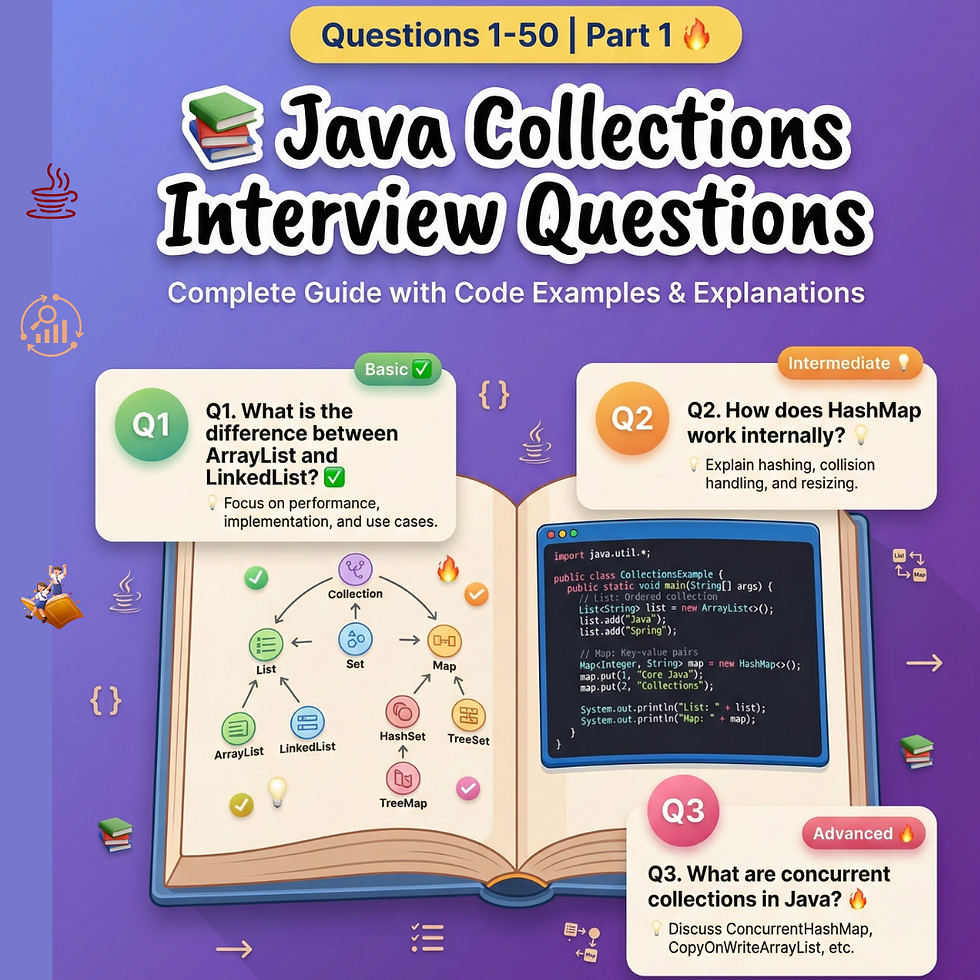
Collections Framework: Learn about lists, sets, maps, and how to use them.
Multithreading: Understand how to run multiple threads for better performance.
Java Streams: Process collections of data efficiently.
Design Patterns: Apply best practices for software design.
Frameworks: Explore Spring, Hibernate, and other popular Java frameworks.
Continuing your education with real-world projects and challenges will deepen your understanding and prepare you for professional development.
Mastering Java programming basics opens the door to a world of opportunities in software development. With dedication and practice, you can build powerful applications and advance your coding skills.
Happy coding!





Comments