 Tech Tribers
Spring Boot Annotations Cheat Sheet (2026): Every Annotation You Use, Explained
The Spring Boot annotations you use in a real service, grouped by where they go – configuration, injection, REST, validation, errors, data, scheduling, caching and tests – with examples and the classic mistakes.
New6 min read
Spring Boot runs on annotations, and interviews test whether you know what each one actually does, not just its name. This cheat sheet groups the annotations you will use in a real service by where they go, gives a one-line meaning for each, and ends with the mistakes that come up again and again. Bookmark it for revision.
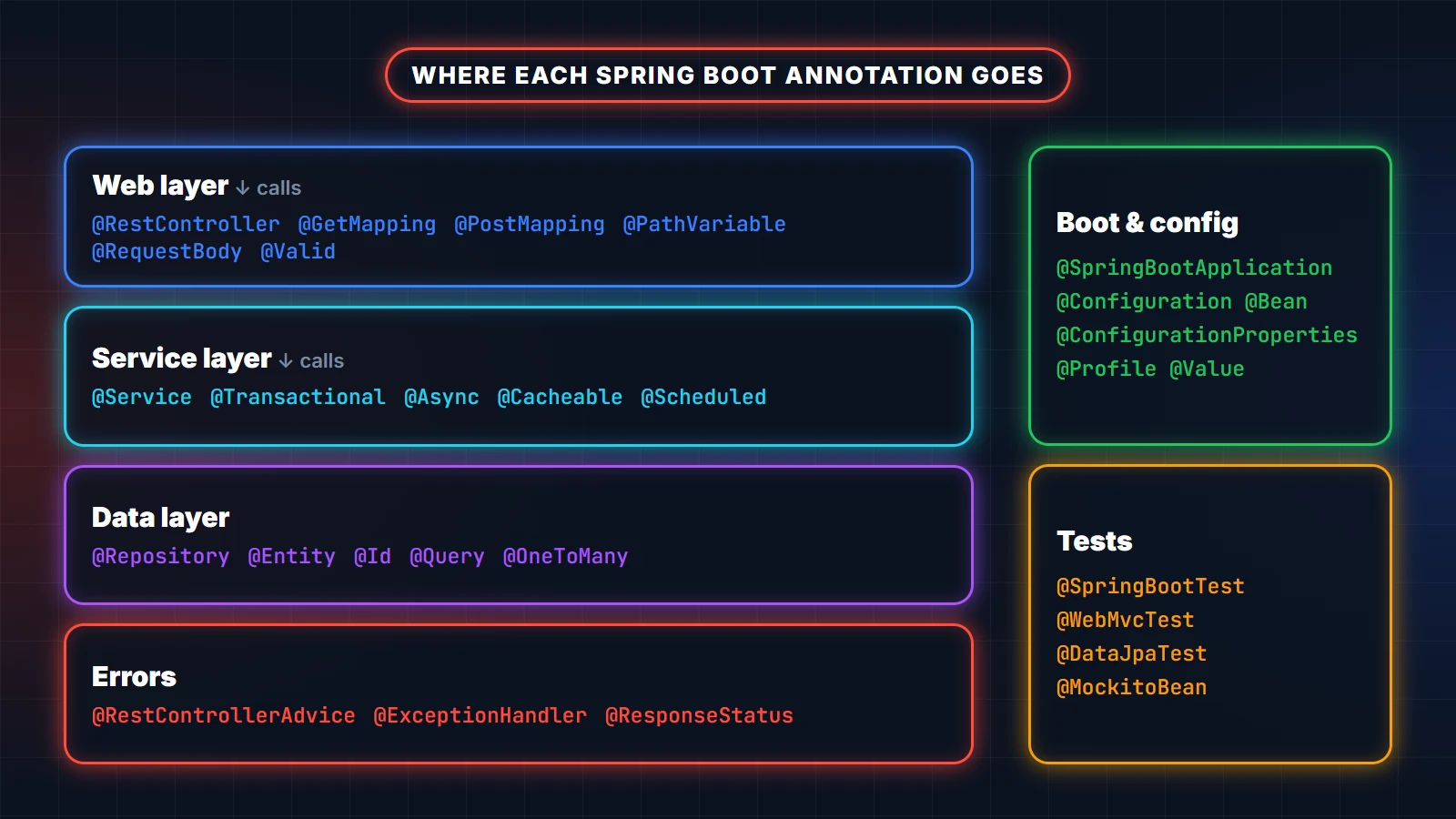
Bootstrapping and configuration
@SpringBootApplication– the entry point. Combines@SpringBootConfiguration,@EnableAutoConfigurationand@ComponentScan(which scans its own package and everything below it).@Configuration– a class that declares beans.@Bean– a method whose return value becomes a Spring bean; use it for objects you cannot annotate yourself, such as third-party clients.@ConfigurationProperties(prefix = "…")– binds a group of settings to a typed class or record. Register it with@ConfigurationPropertiesScanor@EnableConfigurationProperties.@Value("${…}")– injects a single property. Fine for one value; prefer@ConfigurationPropertiesfor a group.@Profile("prod")– creates the bean only when that profile is active.@ConditionalOnProperty,@ConditionalOnMissingBean,@ConditionalOnClass– the conditions auto-configuration itself is built on.@Import– pulls another configuration class in explicitly.
@Validated
@ConfigurationProperties(prefix = "payments")
public record PaymentProperties(
        @NotBlank String baseUrl,
        @NotNull Duration timeout,
        @Min(1) int maxRetries) {
}

@SpringBootApplication
@ConfigurationPropertiesScan
public class ShopApplication {
    public static void main(String[] args) {
        SpringApplication.run(ShopApplication.class, args);
    }
}
With @Validated, a missing or invalid setting stops the application at start-up instead of failing on the first real request.
Stereotypes and dependency injection
@Component– a generic Spring-managed class.@Service– a component holding business logic (same behaviour as@Component; it documents intent).@Repository– a data-access component; Spring also translates database exceptions into itsDataAccessExceptionhierarchy.@Controller/@RestController– web controllers.@RestControlleradds@ResponseBody, so return values are written as JSON instead of being treated as view names.@Autowired– asks Spring to inject a dependency. With a single constructor it is not needed at all, and constructor injection is the recommended style.@Qualifier("name")and@Primary– choose between several beans of the same type.@Scope("prototype")– a new instance per injection instead of the default singleton.@Lazy– create the bean on first use instead of at start-up.
Web and REST
@RequestMapping– maps a path (often on the class, as a prefix).@GetMapping,@PostMapping,@PutMapping,@PatchMapping,@DeleteMapping– the HTTP-method shortcuts.@PathVariable– a value from the URL path (/orders/{id}).@RequestParam– a query-string parameter (?page=2).@RequestBody– the JSON body converted to an object.@RequestHeader– a header value.@ResponseStatus– the HTTP status to return (on a method or an exception class).@Valid– validate the argument with Bean Validation before the method runs.
@RestController
@RequestMapping("/api/v1/orders")
public class OrderController {

    private final OrderService orderService;

    public OrderController(OrderService orderService) {      // no @Autowired needed
        this.orderService = orderService;
    }

    @GetMapping("/{id}")
    public OrderDto get(@PathVariable UUID id) {
        return orderService.find(id);
    }

    @PostMapping
    @ResponseStatus(HttpStatus.CREATED)
    public OrderDto create(@Valid @RequestBody CreateOrderRequest request) {
        return orderService.create(request);
    }
}
Validation
@NotNull,@NotBlank,@NotEmpty– presence checks (blank also rejects whitespace-only strings).@Size(min, max),@Min,@Max,@Positive– ranges.@Email,@Pattern(regexp = "…")– formats.@Validon a nested field – validate the object inside too.@Validatedon a class – enables method-level validation (and validation of@ConfigurationProperties).
Error handling
@RestControllerAdvice– one place to turn exceptions into HTTP responses for every controller.@ExceptionHandler(SomeException.class)– the method that handles a given exception type.
@RestControllerAdvice
public class ApiErrors {

    @ExceptionHandler(OrderNotFoundException.class)
    public ProblemDetail notFound(OrderNotFoundException ex) {
        return ProblemDetail.forStatusAndDetail(HttpStatus.NOT_FOUND, ex.getMessage());
    }
}
Data access and transactions
@Entity,@Table,@Id,@GeneratedValue,@Column– map a class to a table (JPA).@OneToMany,@ManyToOne,@ManyToMany– relationships. Watch the fetch type: lazy collections plus a loop over them is the classic N+1 query problem.@Query– a custom JPQL or native query on a repository method; add@Modifyingfor updates and deletes.@Transactional– runs the method in a transaction.readOnly = truefor reads; by default it rolls back only on unchecked exceptions (userollbackForfor checked ones).@EnableJpaRepositories,@EntityScan– only needed when repositories or entities live outside the main application's package.
Scheduling, async, events and caching
@EnableScheduling+@Scheduled(fixedRate = …)or@Scheduled(cron = "…")– run a method on a timer.@EnableAsync+@Async– run a method on another thread (it must be called from another bean, see the mistakes below).@EventListener– react to an application event;@TransactionalEventListenerwaits until the transaction commits.@EnableCaching+@Cacheable,@CachePut,@CacheEvict– cache a method's result and keep the cache fresh.
Testing
@SpringBootTest– starts the whole application context; use it for integration tests.@WebMvcTest(OrderController.class)– only the web layer, withMockMvc; much faster.@DataJpaTest– only JPA and repositories.@MockitoBean– replaces a bean with a Mockito mock (it replaces the older@MockBean, deprecated since Spring Boot 3.4).@TestConfiguration,@ActiveProfiles("test")– test-only beans and settings.
Common mistakes (and interview favourites)
@Transactionalon a method called from the same class does nothing. Spring applies it through a proxy, and a call tothis.method()skips the proxy. The same is true for@Asyncand@Cacheable. Call the method from another bean.@Transactionalon a private method is ignored for the same reason.- Checked exceptions do not roll back by default. Add
rollbackFor = Exception.classif they should. - A bean outside the main package is never found.
@ComponentScanstarts at the package of the@SpringBootApplicationclass. - Field injection with
@Autowiredhides dependencies and makes tests harder; prefer constructor injection. @Controllerinstead of@RestControllermakes Spring look for a view named after your return value.@Valueon a static field is never injected.
Quick interview check
What does @SpringBootApplication do?
It marks the configuration class, turns on auto-configuration and scans for components from its own package downwards.
@Component, @Service or @Repository: what is the difference?
All three register a bean. @Service documents business logic; @Repository additionally translates persistence exceptions.
@Bean or @Component?
@Component goes on your own classes; @Bean goes on a method in a @Configuration class and is how you register objects you cannot annotate, or need to build with logic.
Why might @Transactional not work?
Self-invocation, a private method, a checked exception without rollbackFor, or the class not being a Spring bean at all.
Go deeper
- Spring Boot Annotations Mastery – Complete Developer Guide: every annotation here in depth, with examples, as a downloadable guide.
- Spring Boot interview questions: the questions that follow this topic, with answers.
- Microservices interview questions and solutions: for the round after Spring Boot.
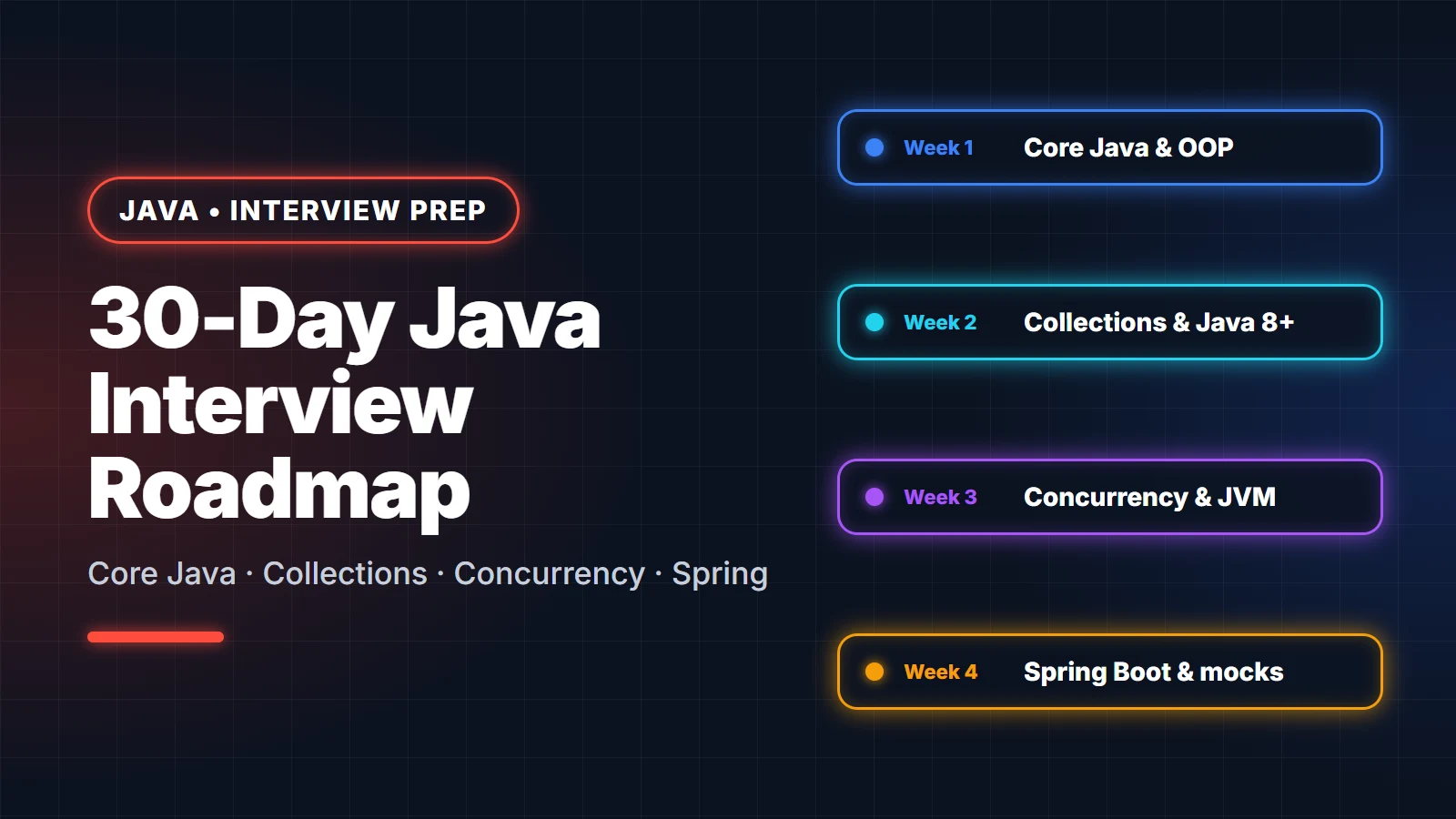
Before you ship, run through the Spring Boot production checklist. Preparing for interviews? Week 4 of the 30-day Java interview roadmap covers Spring Boot.