 Tech Tribers
LLM Token Optimisation: Cut AI Cost and Latency Without Losing Quality
Prompt caching, trimming chat history, retrieval instead of stuffing, right-sizing models, output limits and batch APIs — a practical checklist to shrink your AI bill.
4 min read
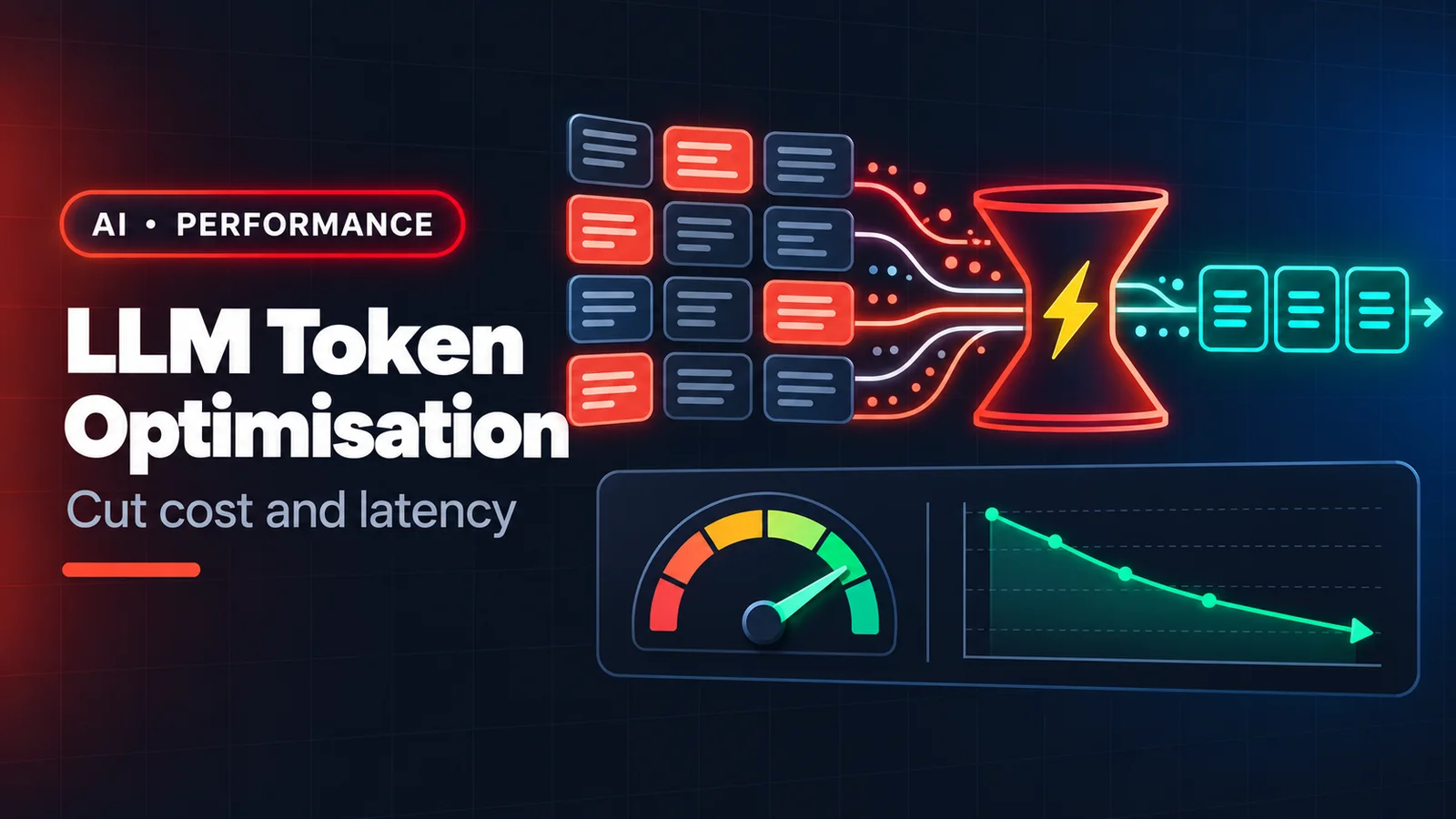
LLM bills and latency both scale with tokens — the chunks of text a model reads (input) and writes (output). A prototype that costs pennies can cost real money at production volume, and a 40-second response feels broken to users. The good news: most of the waste is easy to find. Here is a practical checklist, ordered roughly by impact.
1. Measure before you optimise
Log input tokens, output tokens, cached tokens and latency for every request, per feature. Most providers return token usage in each API response, and some offer a token-counting endpoint so you can check a prompt's size before sending it. You will usually find that one or two features (often a chat with an ever-growing history) account for most of the spend.
2. Use prompt caching for anything you repeat
If every request starts with the same long system prompt, tool definitions, or a large document, you are paying to process the same tokens again and again. Prompt caching lets the provider reuse that processed prefix: cached reads are billed at a small fraction of the normal input price and are faster.
- Put stable content first (instructions, tool definitions, reference docs) and variable content (the user's question) last — caching works on prefixes.
- Don't put timestamps or request IDs at the top of the prompt; one changed character early on invalidates the cache.
- Check your provider's minimum cacheable length and cache lifetime, and confirm hits in the usage numbers.
3. Stop resending the whole conversation
Chat history grows linearly and is resent every turn, so cost grows roughly quadratically over a long session. Options:
- Keep the last N turns verbatim and replace older turns with a short running summary.
- Drop bulky tool results once they have been used ("fetched 300 rows; key finding: …").
- Start a fresh context for a new task instead of continuing a 200-turn thread.
4. Retrieve, don't stuff
Pasting an entire codebase or manual "just in case" is the most expensive habit there is. Retrieve the few relevant chunks (search, embeddings, or a tool the model can call) and send those. Smaller, relevant context is also more accurate — models get distracted by noise like people do.
5. Pick the smallest model that passes your evals
Classification, extraction, routing and short summaries rarely need a frontier model. A small, fast model can handle them at a fraction of the cost and latency, while the large model is reserved for hard reasoning and complex code. See how to choose the right model.
6. Control the output side
- Set
max_tokensto what the task needs, not the maximum allowed. - Ask for the format you will actually use: "return JSON with keys id, label" instead of "explain your reasoning and then give the answer".
- Ask for diffs or the changed function, not the whole file rewritten.
- Use stop sequences when the answer has a natural end.
7. Batch what isn't interactive
Nightly report generation, bulk tagging, back-filling embeddings — none of it needs a real-time answer. Batch APIs (for example Anthropic's Message Batches API) process large volumes asynchronously at a significant discount, typically half the standard price.
8. Trim tool definitions
Every tool's name, description and schema is sent with each request. Twenty rarely-used tools can cost thousands of tokens per call. Expose only the tools a feature needs, and keep descriptions precise rather than long.
A quick worked example
A support bot sends a 6,000-token system prompt plus history with every message. Moving the system prompt into a cached prefix, summarising history beyond the last six turns, and routing simple "where is my order" questions to a small model typically cuts cost by well over half — with no loss in answer quality, because none of those tokens were helping.
The rule of thumb
Every token should earn its place: either it is information the model needs for this answer, or it is output the user will actually read. Everything else is cost and latency.