 Tech Tribers
Prompting Tips for Developers: Get Better Code from AI Assistants
Give context, paste real errors, ask for a plan first, make done testable and review every diff. Practical habits that turn AI assistants into reliable pair programmers.
3 min read
AI coding assistants are only as good as the brief you give them. "Fix the bug" gets you a guess; a two-minute brief gets you a working change. These are the habits that make the biggest difference, whether you use a chat window, an IDE assistant or an agent in your terminal.
1. Give the context a new teammate would need
The model has not been in your stand-ups. Tell it:
- The goal — what the user should be able to do when this is done.
- The stack — "Spring Boot 3, Java 21, Postgres, JUnit 5", not just "Java".
- The constraints — "don't add dependencies", "keep the public API unchanged", "must run on Node 20".
- Where to look — the files or functions involved.
2. Paste the real error, not your summary of it
The full stack trace, the failing test output and the command you ran are worth more than any description. Summaries drop exactly the line that matters.
3. Ask for a plan before the code
For anything bigger than a one-line fix: "First, outline how you would implement this and which files you would change. Don't write code yet." Correcting a plan takes ten seconds; correcting 300 lines of the wrong approach takes an afternoon.
4. Show, don't describe
One example of the style you want beats a paragraph of adjectives. Point at an existing endpoint, test or component and say "follow the same pattern as OrderController".
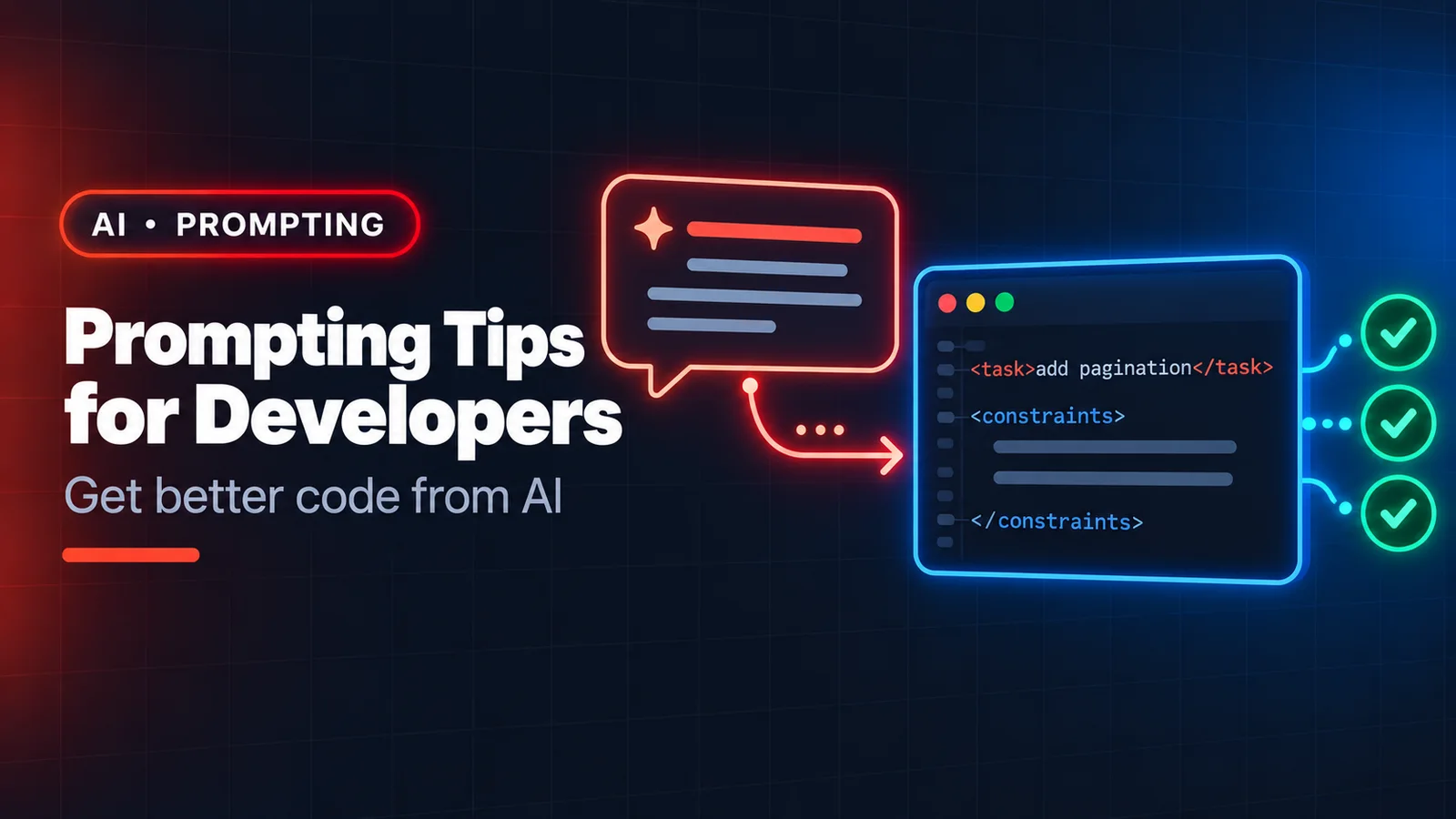
5. Structure long prompts
When a prompt has several parts, label them so instructions and data don't blur together:
<task>Add pagination to GET /orders</task>
<constraints>
- page and size query params, size max 100
- keep the response shape backwards compatible
</constraints>
<code>
...the controller and repository...
</code>
6. Make "done" testable
Ask for tests alongside the change, and say what they should prove: "include a test for an empty page and for size above the maximum". Then run them. A model that writes the test first and makes it pass is much less likely to quietly misunderstand the task.
7. Keep tasks small
One feature, one bug, one refactor per request. Large mixed requests produce large mixed diffs that are hard to review. If an agent is doing a big job, ask it to work in steps and show progress.
8. Let it ask questions
End ambiguous requests with "ask me if anything is unclear before you start". You will be surprised how often the question it asks is the one you hadn't thought about.
Writing better code with AI, not just more code
- Review every diff like a colleague's PR. Check edge cases, error handling and that nothing unrelated changed.
- Watch for invented APIs. If a method or config key looks unfamiliar, check the docs or the source — models occasionally produce plausible names that don't exist.
- Ask "what could break?" after a change. Models are good critics of code, including their own.
- Keep secrets out of prompts. Never paste API keys, passwords or customer data; use placeholders.
- Understand what you merge. You own the code in production, not the assistant. If you can't explain it in review, don't ship it.
A before-and-after
Before: "Make the orders API faster."
After: "GET /orders takes ~2s for users with 5,000+ orders (Spring Boot 3, JPA, Postgres). I suspect an N+1 on order lines — see OrderService.list. Propose a fix that keeps the JSON response identical, explain the query it will run, and add a test that fails if more than 2 queries are executed."
Same model, very different result. The skill isn't magic words — it's the same clear thinking that makes a good ticket or a good code review.