 Tech Tribers
Next.js Server Actions: useActionState, useOptimistic, useFormStatus
Build a form with Next.js Server Actions: validate on the server with Zod 4, show field errors, disable the button while saving, and roll back an optimistic row.
New11 min read
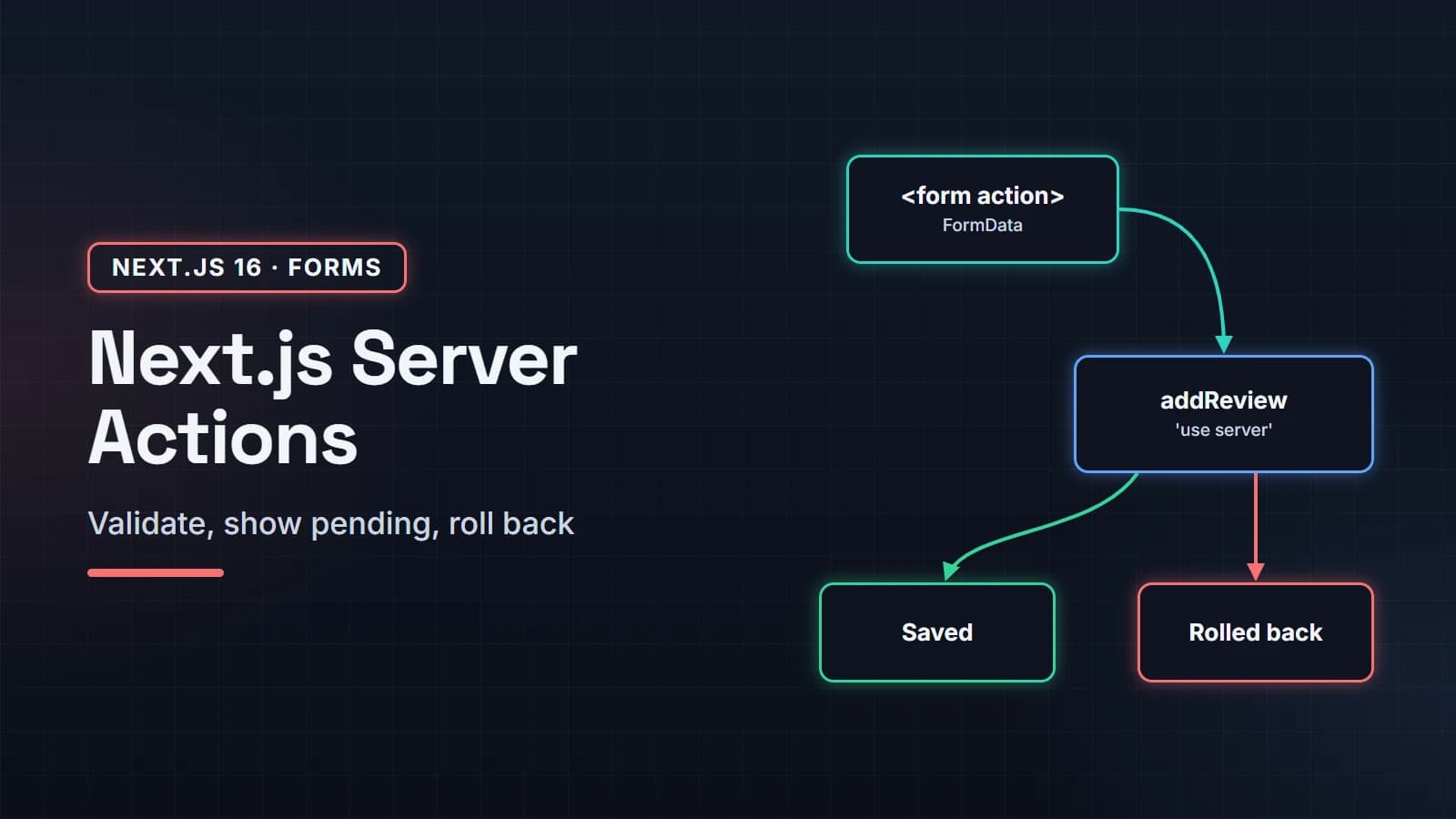
Next.js Server Actions let a plain <form> post straight to an async function that runs on your server: no API route to write, no fetch call, no onSubmit handler. Three React hooks then fill in the parts users notice: useActionState holds what the server answered, useFormStatus tells a button that a save is in progress, and useOptimistic shows the result before the server has replied.
This guide is for developers who know basic React and want to build forms the Next.js 16 and React 19 way. If you come from Spring, think of a Server Action as a @PostMapping method your form calls directly, with Zod playing the part of Bean Validation.
We build one real form from a course site: a "leave a review" box. You will validate input on the server with Zod 4, send field errors back, show a pending button, add the new review optimistically and watch it roll back when the server refuses. The code comes from the companion app of Chapter 6 in the TechTribers React and Next.js book, where it passes ESLint, the TypeScript check, Vitest and Playwright.
In this guide
- What a Server Action is
- Validate the form on the server with Zod 4
- Return errors with useActionState
- A pending button with useFormStatus
- Optimistic UI with useOptimistic, and rollback
- Security: an action is a public endpoint
- Server Action or route handler?
From the book: this guide is based on Chapter 6 of React & Next.js 2026, where you build a full-stack React and Next.js app step by step, with the code for every chapter. Read the free 5-page sample on the book page.
What a Server Action is
A Server Function is an async function marked with the 'use server' directive. It runs on the server, yet a component in the browser can call it, because Next.js replaces it in the client bundle with a small reference that sends a POST request back to the server. When you use a Server Function to handle a form submission or another change of data, it is called a Server Action.
You can put 'use server' in two places:
- At the top of a file, such as
app/actions.ts. Every export of that file becomes a Server Function, and Client Components can import them. - At the top of an async function body inside a Server Component, for an inline action. You cannot define a Server Function inside a Client Component.
Pass the function to <form action={...}> and React does the wiring. On submit it collects the fields into a FormData object (the browser's standard key-value form data) and sends it to your function in a POST request. Only POST can invoke an action. React also runs the call inside a Transition: work React does in the background while the page stays responsive. That is what lets the pending and optimistic states below show up.
Validate the form on the server with Zod 4
The server never trusts the browser. Before saving anything, the action checks its input against a schema. Zod describes valid input as an object and, when the input is wrong, tells you which fields failed and why. Here is the review schema from the example app:
// lib/schemas.ts
export const ReviewInput = z.object({
  name: z.string().trim().min(1, "Tell us your name").max(40),
  rating: z.coerce.number().int().min(1, "Pick 1 to 5").max(5),
  text: z
    .string()
    .trim()
    .min(10, "Write at least 10 characters")
    .max(500),
});
Three details make this schema fit form data:
trim()runs beforemin(1), so a name made only of spaces fails.- Text fields arrive in
FormDataas strings.z.coerce.number()turns"5"into5before the range check. z.objectkeeps only the three named fields in its result. That matters becauseObject.fromEntries(formData)also contains extra keys that Next.js adds, prefixed with$ACTION_.
If you learned Zod 3, two things changed in Zod 4: read field errors with z.flattenError(error), and write z.email() rather than the deprecated z.string().email().
Return errors with useActionState
Now the action itself. When a Server Action is used with useActionState, its signature changes: it receives the previous state first and the FormData second, and whatever it returns becomes the new state.
// app/actions.ts ('use server' at the top of the file)
export async function addReview(
  prev: ReviewState,
  form: FormData,
): Promise<ReviewState> {
  const values = Object.fromEntries(form) as Record<string, string>;
  const parsed = ReviewInput.safeParse(values);
  if (!parsed.success) {
    const errors = z.flattenError(parsed.error).fieldErrors;
    return { reviews: prev.reviews, errors, values };
  }
  await slowDown(); // a deliberate 900 ms pause, to see the pending state
  const review = { ...parsed.data, createdAt: new Date().toISOString() };
  if (!saveReview(review)) {
    const message = `${review.name} has already left a review.`;
    return { reviews: prev.reviews, message, values };
  }
  return { reviews: [review, ...prev.reviews] };
}
Read it as three possible answers:
- Invalid input.
safeParsenever throws.fieldErrorsgives one list of messages per field, and the action sends back what the user typed invalues. - Refused by the store. The mock store rejects a second review from the same name, so the action returns a
message, again with the typed values. - Saved. The new review goes to the top of the list.
Why send the typed values back? React resets the form after the action finishes. Without values, a user with one wrong field would lose everything they wrote.
On the client, useActionState(addReview, { reviews: initial }) returns the current state and a formAction function to hand to the form. The form renders each field with defaultValue={state.values?.name} and shows state.errors?.name under it. The form also carries noValidate, so every message comes from the server, and a role="alert" paragraph shows state.message. There is no onSubmit, no preventDefault and no useState per field.
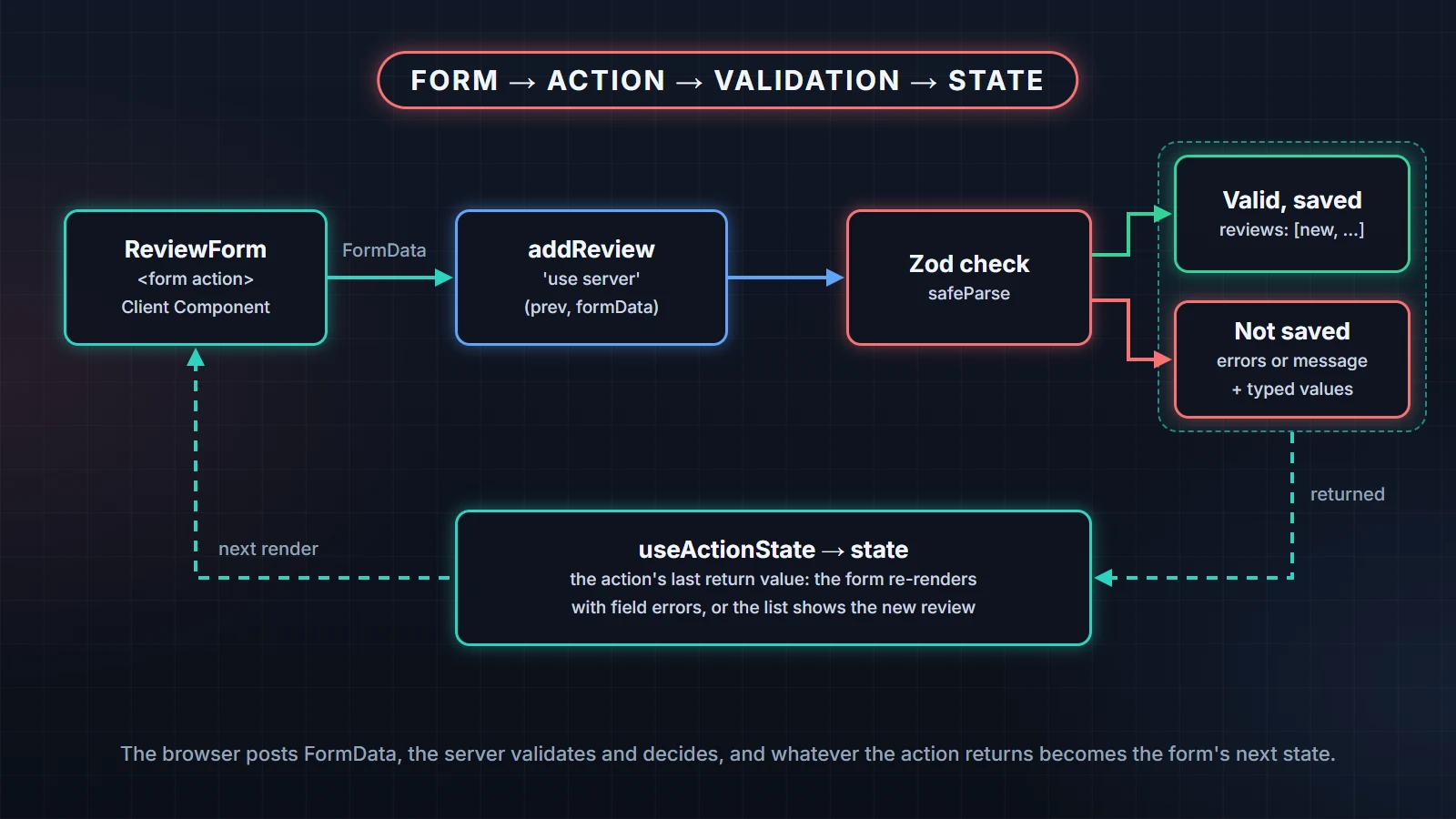
If you have older code, useFormState from react-dom is now useActionState from react; the old name is deprecated. useActionState also returns a third value, a pending flag, which you can use when the pending UI sits in the same component as the form. The Next.js Forms guide and React's useActionState reference show both styles.
A pending button with useFormStatus
The example form uses a separate submit button that reads the status of the form around it. That makes the button reusable in any form:
"use client";
import { useFormStatus } from "react-dom";

export function SubmitButton({ label }: { label: string }) {
  const { pending } = useFormStatus();
  return (
    <button
      disabled={pending}
      className={pending ? "bg-muted" : "bg-coral"} // shortened
    >
      {pending ? "Saving…" : label}
    </button>
  );
}
disabled={pending} stops double submits while the server works. Note the import: useFormStatus comes from react-dom, not react.
The common mistake: useFormStatus only sees a form above it in the tree. If you call it in the component that renders the <form> itself, it reports pending: false forever. Call it in a child component, as here. The same button is reused in the app's cart checkout, where an enrol action validates a second schema with z.email() and at least one course slug.
Optimistic UI with useOptimistic, and rollback
A pending button is honest but slow to feel. useOptimistic goes further: it gives you a copy of some state that you can change immediately, and React drops that copy when the action ends. The list then shows the real state again (see React's useOptimistic reference).
export function Reviews({ initial }: { initial: Review[] }) {
  const [state, formAction] = useActionState<ReviewState, FormData>(
    addReview,
    { reviews: initial },
  );
  const [shown, addOptimistic] = useOptimistic(
    state.reviews,
    (list, review: Review) => [review, ...list],
  );

  function submit(form: FormData) {
    addOptimistic({
      name: String(form.get("name")),
      rating: Number(form.get("rating")),
      text: String(form.get("text")),
      createdAt: new Date().toISOString(),
      pending: true,
    });
    formAction(form);
  }
  // ... render <ReviewForm action={submit} state={state} /> and the shown list
}
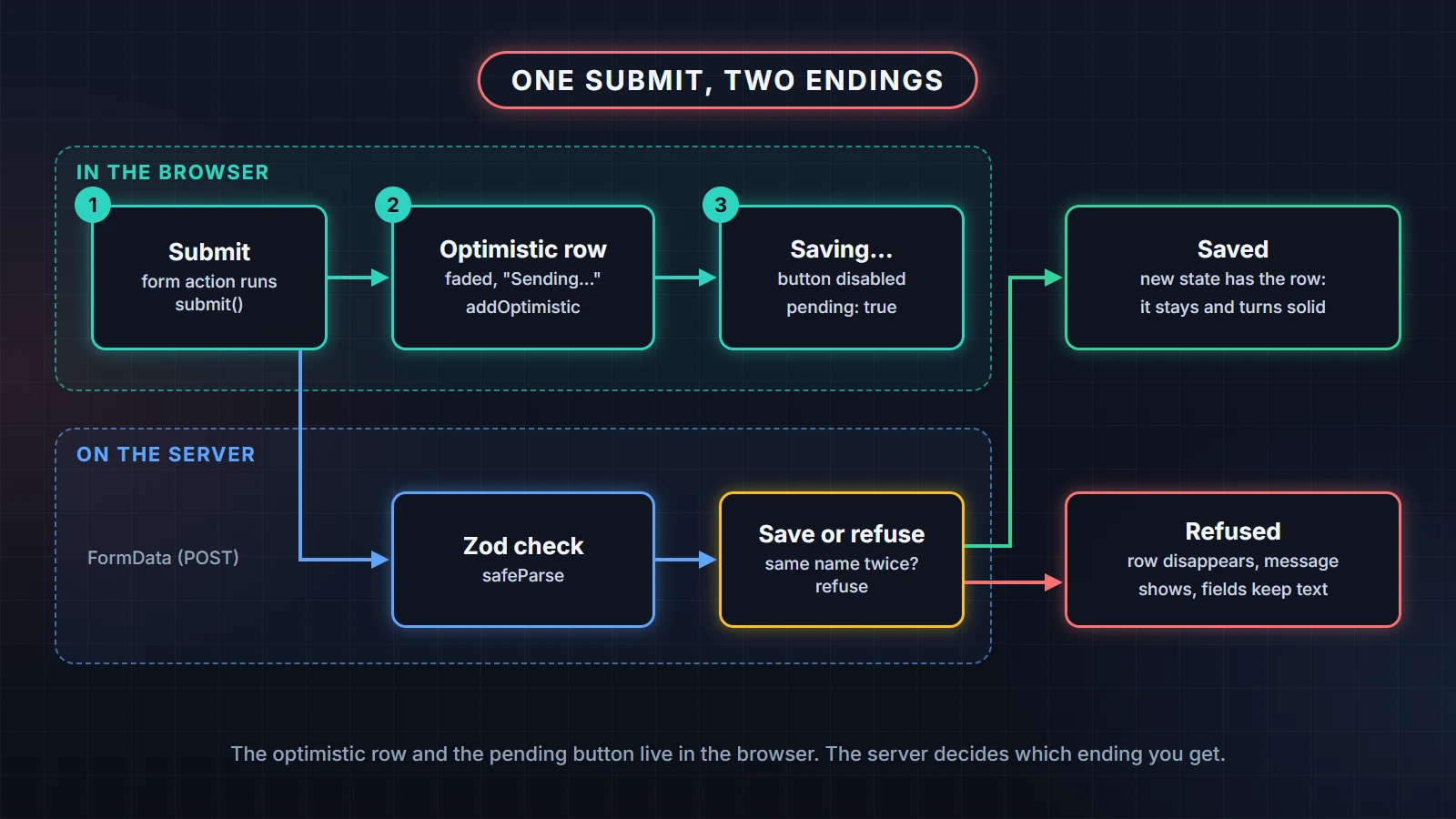
The form's action is now submit, a small wrapper. It adds a review marked pending: true to the optimistic copy (the list renders it faded, with "Sending…"), then calls the real formAction. Until you add something, shown is simply state.reviews.
When the action settles, the optimistic copy is thrown away and shown follows state.reviews again. That gives you two endings for free:
- Saved:
addReviewreturned a list that includes the new review, so the row is still there, now drawn as a normal row. - Refused: the returned list is the old one, so the row is gone. No undo code is needed; dropping the optimistic copy is the rollback.
The companion app's demo shows the refusal path. Ravi, who has already reviewed the course, submits a second review. For a moment it looks accepted: his row sits at the top and the button reads "Saving…". Then the duplicate check fails, his row drops out of the list, the error message appears, and what he typed is still in the fields.
For the first render, a Server Component reads the stored reviews and passes them in as initial. In the example app it calls await connection() first, so the list is read for every request rather than prerendered.
Security: an action is a public endpoint
This is the part tutorials skip. The Next.js docs warn that Server Functions "are reachable via direct POST requests, not just through your application's UI." Hiding a form on a signed-in page protects nothing: anyone can send the same POST with any data.
Next.js gives you some protection out of the box, according to its Server Actions and Mutations guide:
- A CSRF check. The request's
Originheader is compared with theHost(orX-Forwarded-Host), and mismatches are rejected. Behind a proxy or CDN you list extra domains inexperimental.serverActions.allowedOriginsinnext.config. - A body size limit of 1MB by default, changed with
experimental.serverActions.bodySizeLimit. - Encrypted action IDs. Action references are encrypted at build time, and unused Server Functions are removed from client bundles so they get no public endpoint.
Those framework checks do not replace your own. Inside every action:
- Validate every argument, as
addReviewdoes with Zod. Browser-side checks are a convenience, never protection. - Check who the user is inside the action, every time. Read the session from cookies; do not accept a token as an argument.
- Return only what the UI needs. Return values are serialized to the client, so shape them; never return raw database records.
- Take an ID, not the object. A schema only checks the shape of input. A well-formed item can still belong to someone else, so look it up by ID together with the signed-in user.
Server Action or route handler?
A route handler is a route.ts file that exports functions named after HTTP methods (GET, POST and so on). Each takes a Web Request and returns a Response. Both are public endpoints; they suit different callers.
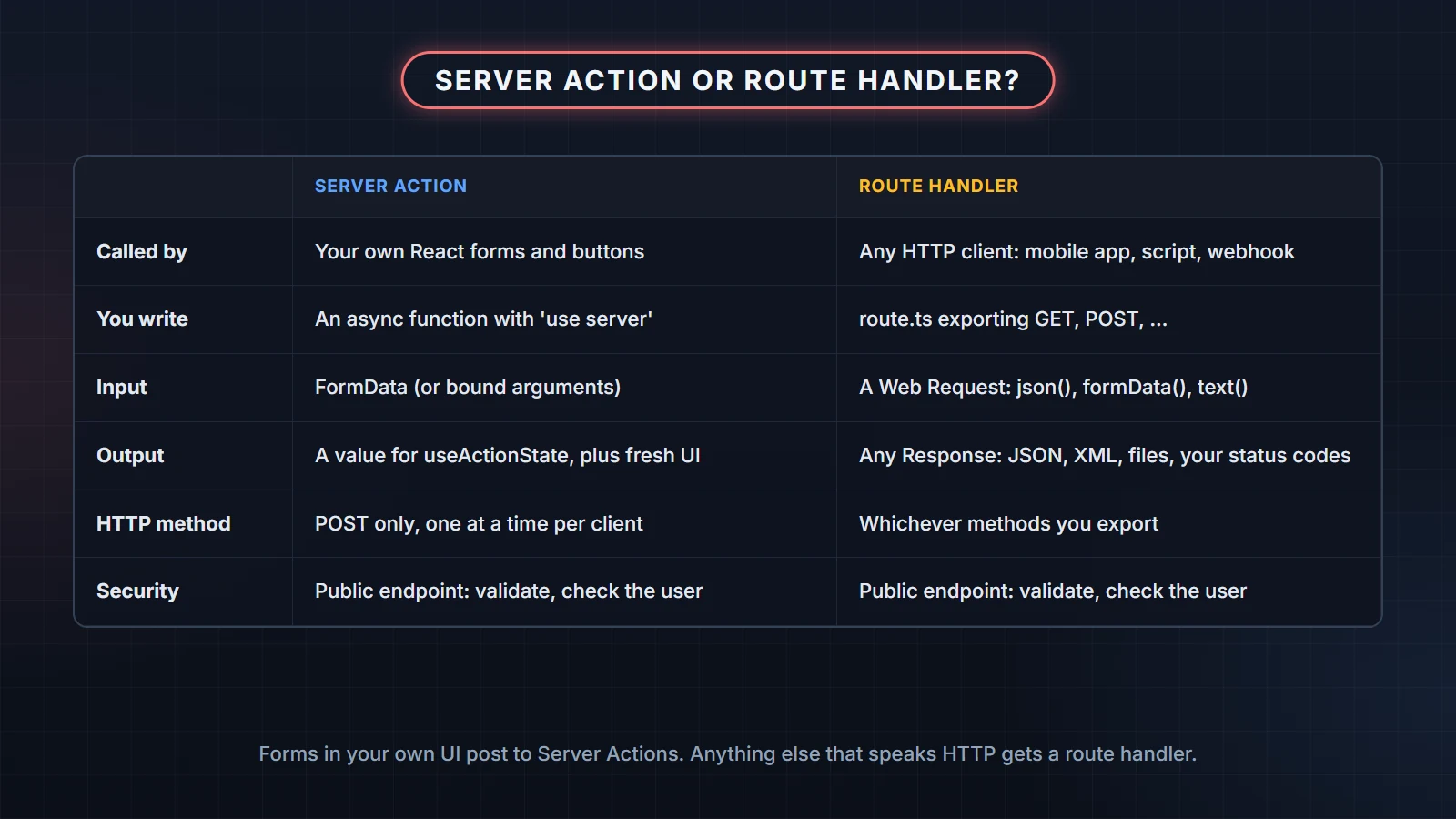
- Use a Server Action when your own React form or button changes data: a review, a cart checkout, a sign-in. You get
useActionState, pending states and, afterrevalidatePathorupdateTag, fresh UI in the same round trip. - Use a route handler when something other than your React UI calls you: a mobile app, a script, a webhook from another service, a callback URL at the end of a third-party flow, or a response that is not UI at all, such as JSON, XML or a file. A sign-in flow can use both: the browser form signs in through a Server Action, while
POST /api/sessionserves mobile apps and scripts with the same helpers. - Do not use actions to fetch in parallel. Next.js dispatches Server Actions one at a time per client, so
Promise.allover several actions does not run them together. Do the parallel work inside one action, read data in Server Components, or use a route handler for requests that change nothing.
Go deeper
Chapter 6, "Forms and Actions", of the TechTribers book React & Next.js (2026 Edition) builds this review form step by step, and its sixth and last step reuses the pattern for a cart checkout with its own schema and a receipt that replaces the form. The steps come with the full listings, frames captured from the running app showing the optimistic row and the rollback, and practice tasks: show "Saving…" next to the checkout's email field, reject reviews that contain a link with a Zod refine, and thank the reviewer by name after a save. Chapter 10 then checks the signed-in user inside the actions.
You can find the book on the React and Next.js book page. The product page has a free 5-page sample you can read before you buy.
Related reading
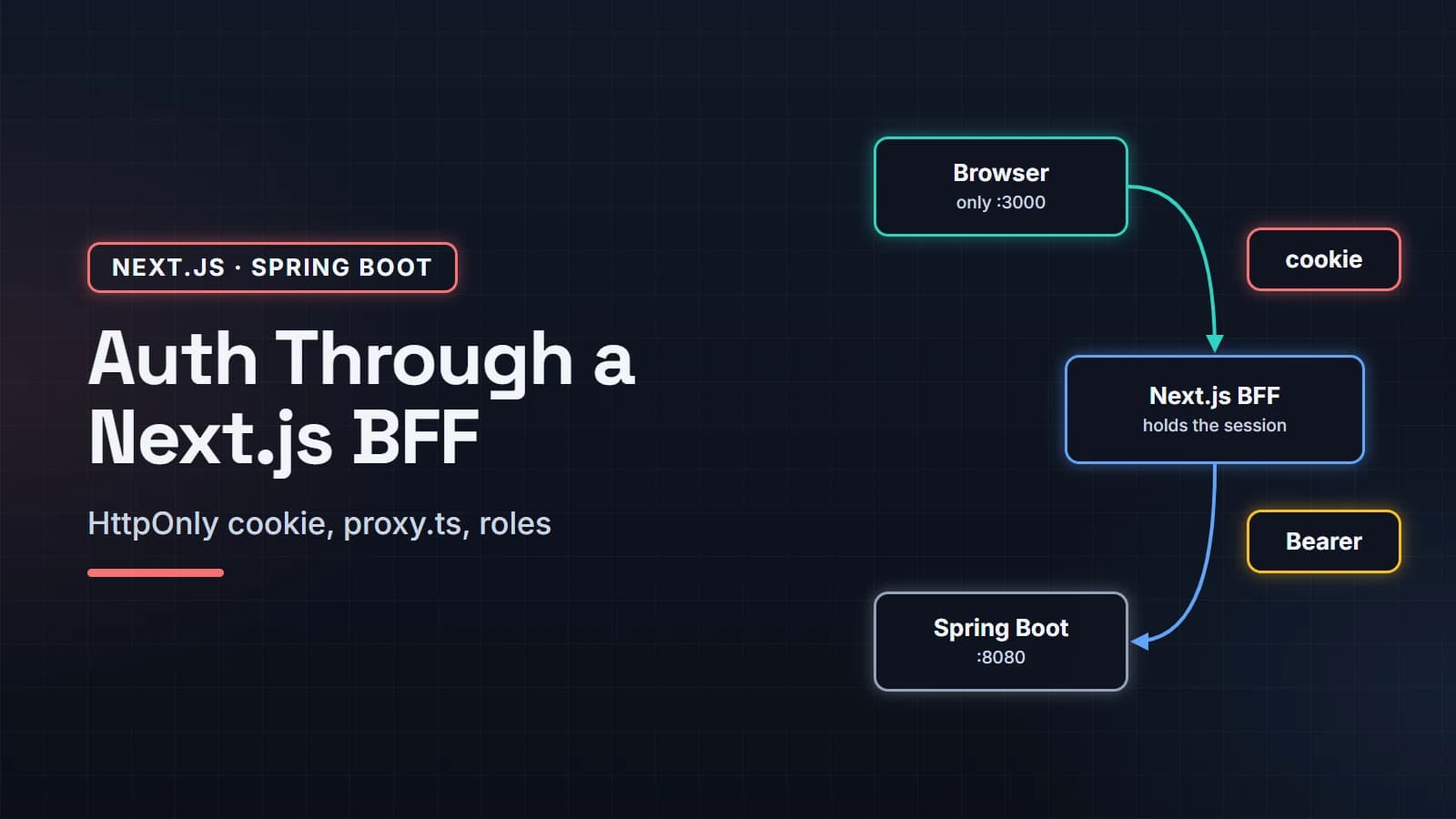
- Next.js authentication with Spring Boot: the BFF pattern
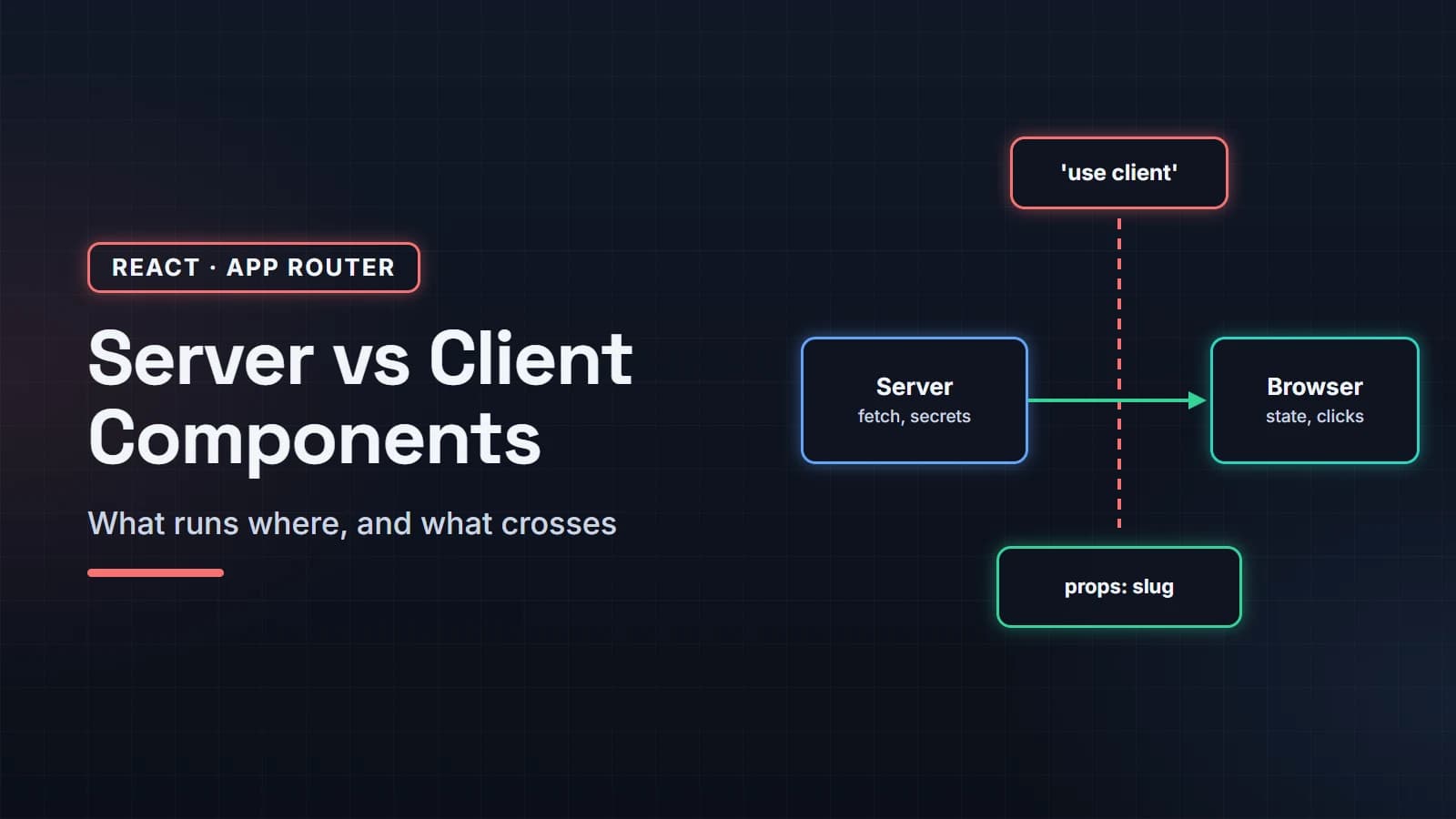
- React Server Components vs Client Components
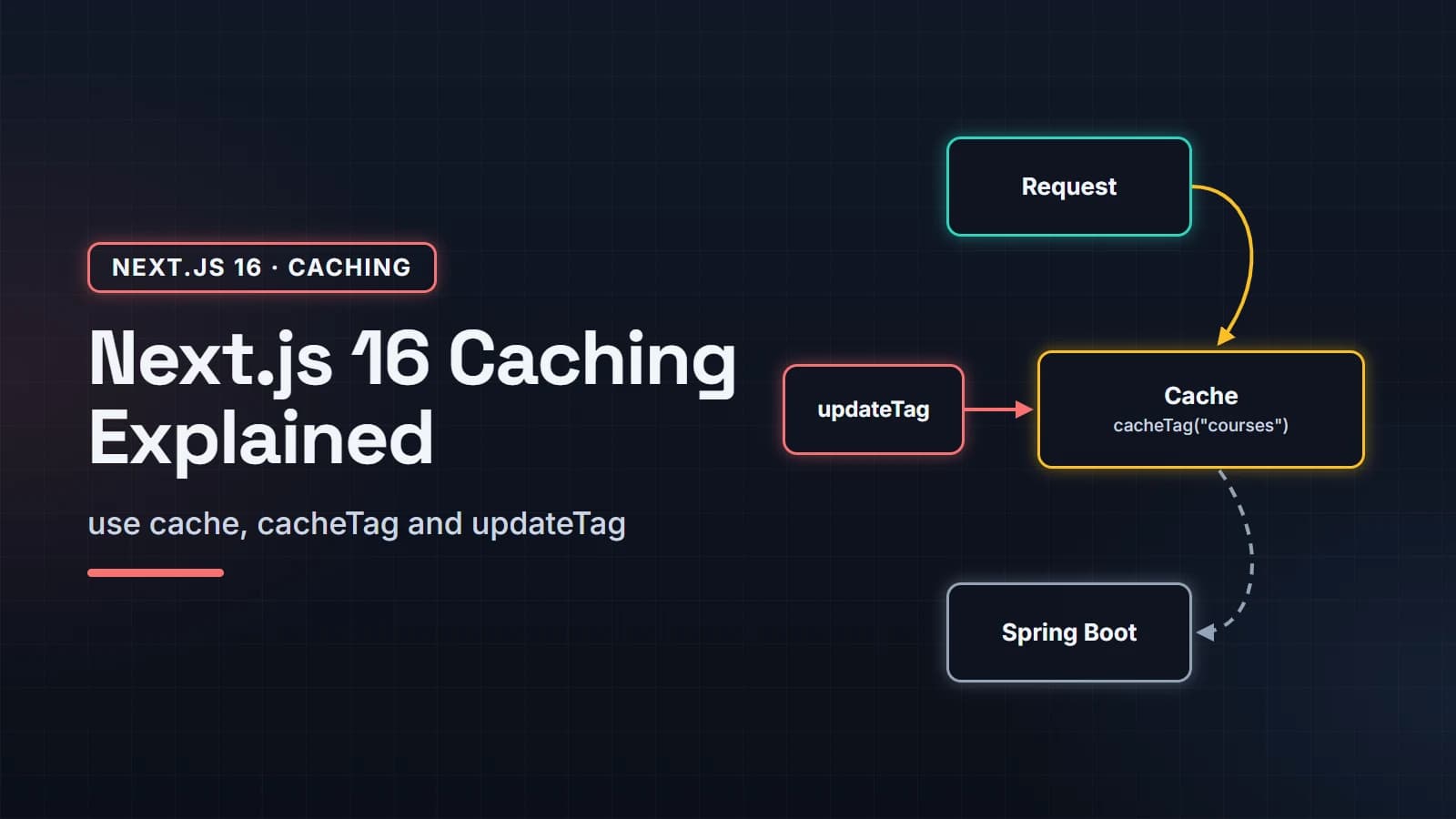
- Next.js 16 caching: use cache explained
FAQ
What is the difference between a Server Function and a Server Action in Next.js?
A Server Function is any async function marked 'use server' that runs on the server and can be called from the client. When it is used to handle a form submission or a mutation, for example passed to <form action> or a button's formAction, the Next.js docs call it a Server Action. Server Function is the broader term.
Why does useFormStatus always return pending false?
Because it is called in the same component that renders the <form>. useFormStatus reads the status of a parent form only, so move the button (or whatever shows the pending state) into a child component rendered inside the form.
Do I still need to validate if my form has client-side validation?
Yes. A Server Action is a public POST endpoint, and anyone can call it with any data without using your form. Client-side checks only improve the experience; the server must validate every field, for example with a Zod schema and safeParse.
How does useOptimistic roll back a failed update?
It does not need an explicit undo. The optimistic copy only lives while the action runs. When the action ends, React drops it and renders the real state. If the server refused the change, the real state does not contain the new item, so it disappears.
Is useFormState deprecated in React 19?
Yes. useFormState from react-dom has been replaced by useActionState from react. It returns the action's last result as state, a function to pass to the form, and a pending flag.